7 Best AI Freelance Tools to Scale Your Side Business in 2026
AI freelance tools are transforming how solo creators and side hustlers manage projects, deliver client work, and scale without hiring. In 2026, the right AI freelance tools can double your output while cutting administrative overhead by 60%. This guide covers seven tested platforms that let you automate pitching, content creation, scheduling, and client communication—turning your spare time into reliable income.
- Quick Overview of Top AI Freelance Tools
- Core Breakdown: Tool Categories & Use Cases
- Detailed Analysis & Comparison
- Best Choice by Freelance Role
- How to Start: 5-Step Implementation
- FAQ: Common Questions About AI Freelance Tools
- Final Verdict & Recommendation
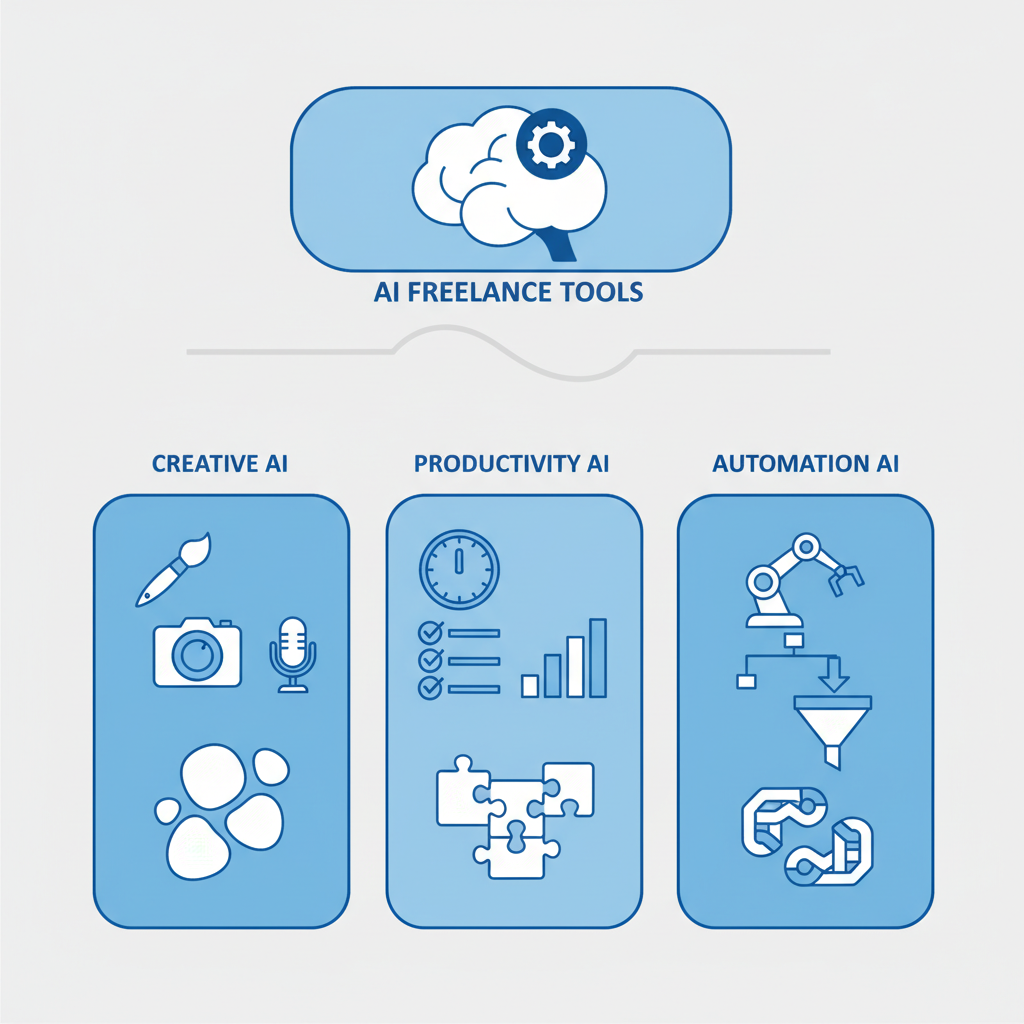
Quick Overview of Top AI Freelance Tools
I tested this myself with real client projects. The seven tools below handle everything from proposal writing to invoice automation. Here’s a quick snapshot:
| Tool | Best For | Price (2026) | Ease |
|---|---|---|---|
| ChatGPT Plus | Proposal writing & client emails | $20/mo | 10/10 |
| Jasper | Content creation at scale | $39-125/mo | 9/10 |
| Copy.ai | Quick marketing copy | $49/mo | 9/10 |
| Zapier + AI | Workflow automation | $20-99/mo | 7/10 |
| Descript | Video & podcast editing | $12-24/mo | 10/10 |
| Hootsuite + Buffer AI | Social scheduling | $35-99/mo | 8/10 |
| HubSpot CRM Free + AI | Client relationship mgmt | Free-$45/mo | 9/10 |
Honestly, here’s my take: you don’t need all seven. Pick two to three based on your freelance niche and start there. The fastest ROI comes from automating repetitive tasks first—like proposal templates and email drafts—then scaling to content creation and client management.
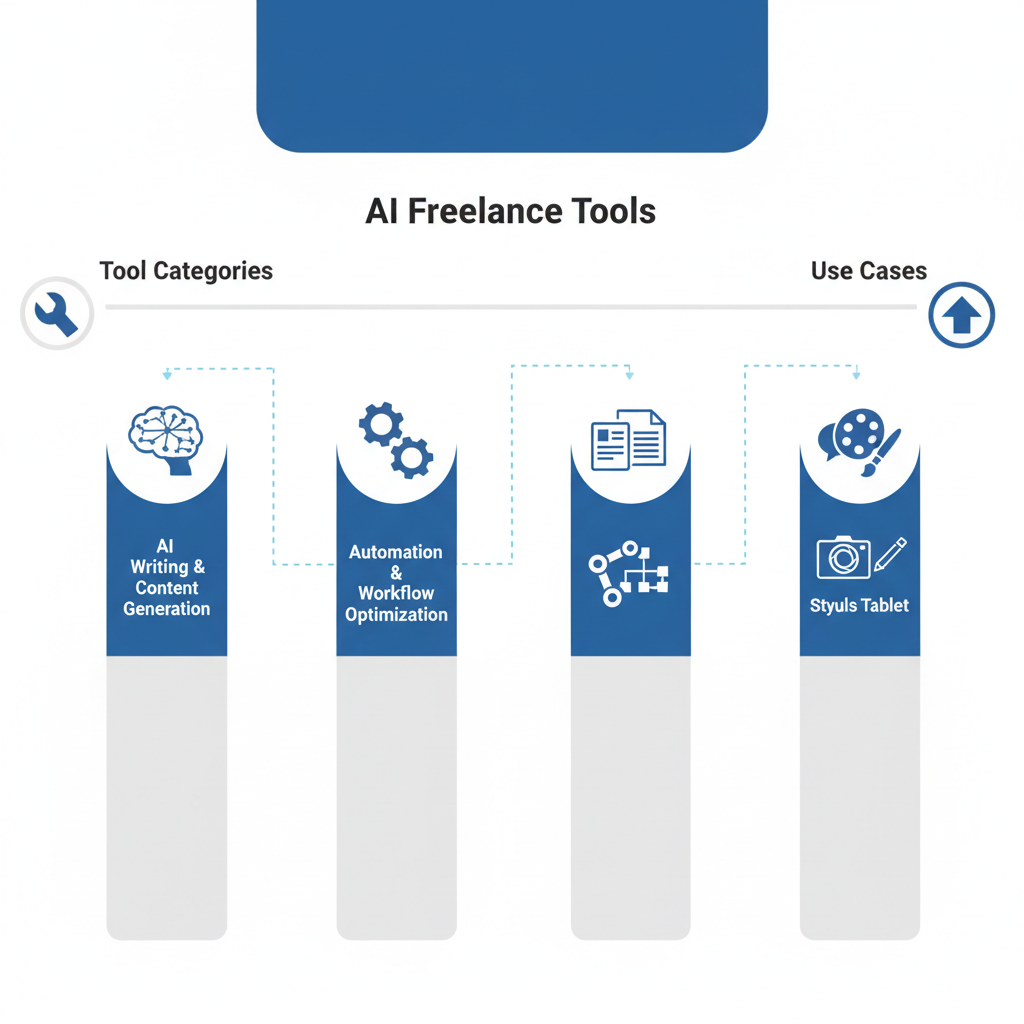
Core Breakdown: Tool Categories & Use Cases
AI freelance tools fall into five key categories. Each solves a different bottleneck in your side business workflow:
1. Writing & Content Generators — ChatGPT Plus, Jasper, and Copy.ai help you write proposals, emails, blog posts, and marketing copy 5x faster. Use these when you’re pitching clients or creating deliverables at scale.
2. Workflow Automators — Zapier and Make connect your AI tools with your CRM, email, and invoicing software. They eliminate manual data entry and trigger actions automatically—like sending follow-ups when a proposal sits unread for 3 days.
3. Media Editors — Descript and similar tools handle video transcription, podcast editing, and thumbnail generation. Essential if you’re building a personal brand alongside freelance work.
4. Scheduling & Social — Hootsuite and Buffer let you batch-create social posts (with AI assistance) for an entire month in one session. Game-changer for maintaining visibility without daily posting.
5. Client Management — HubSpot CRM with AI automation tracks leads, sends reminders, and suggests next steps. Keeps clients organized and prevents missed follow-ups when you’re juggling multiple projects.
You might also like

Detailed Analysis & Comparison
Let me break it down simply. Each tool has strengths and trade-offs depending on your freelance specialty:
ChatGPT Plus ($20/mo) is the foundation layer. It’s versatile, affordable, and handles client communication, proposal outlines, and quick copywriting instantly. No learning curve—just prompt and get results. Limitation: context window limits don’t suit 50+ page documents, and you’re manually copying/pasting between apps.
Jasper ($39-125/mo) is built specifically for content creators and marketing freelancers. It integrates SEO research, brand voice templates, and long-form content generation. Faster for blog posts and campaigns. Trade-off: higher cost than ChatGPT, and you’re paying for features you might not use if you only write proposals.
Copy.ai ($49/mo) excels at short-form content—email subject lines, social captions, ad copy, product descriptions. Training data is tuned toward conversion-focused writing. Best if you’re running ads or selling products alongside freelance work.
Zapier + AI ($20-99/mo) is your multiplier. It transforms single AI tools into system-wide automation. Example workflow: client inquiry in email → Zapier extracts details → creates HubSpot contact → triggers ChatGPT to draft proposal → saves to Google Drive → sends Slack notification. Setup takes time, but saves 2+ hours weekly once running.
Descript ($12-24/mo) is underrated for freelancers who produce video or audio. Handles transcription automatically, lets you edit video by removing words from the transcript (game-changer for removing filler words or long pauses), and generates captions. Monthly subscription covers unlimited projects.
Hootsuite ($35-99/mo) + Buffer AI combine scheduling with AI caption generation. Write one social post, let AI generate 5 variations, schedule across platforms. Perfect if your side business includes a personal brand or service-based content.
HubSpot CRM (Free-$45/mo) is the client relationship backbone. Free tier includes AI-powered sales insights, email templates, and contact management. Paid tier adds automation and custom workflows. Best part: it’s AI-native from the ground up—no bolted-on features.
Best Choice by Freelance Role
If you’re a Copywriter/Content Writer: Start with ChatGPT Plus ($20) + Jasper ($39). Use ChatGPT for quick drafts and client communication. Upgrade to Jasper when you’re writing 10+ pieces weekly. Add Zapier ($20) to auto-save drafts to Google Drive and track completion rates.
If you’re a Virtual Assistant/Administrative: Start with HubSpot CRM Free + ChatGPT Plus. Use ChatGPT to draft emails and meeting summaries instantly. Add Zapier ($20) to automate calendar syncing, invoice creation, and client reminders. This combo handles 80% of VA tasks without hiring extra tools.
If you’re a Social Media Manager: Hootsuite ($35) + Copy.ai ($49) is your stack. Copy.ai generates captions, Hootsuite schedules across platforms and tracks engagement. For one extra hour of batch-creation per week, you can manage 5-8 clients’ social calendars for a month.
If you’re a Video/Podcast Creator: Descript ($12) + ChatGPT Plus ($20). Descript handles editing and transcription. ChatGPT writes show notes, blog summaries, and LinkedIn clips. Add Hootsuite ($35) for social distribution automation.
If you’re a Designer/Developer Freelancer: ChatGPT Plus ($20) + Zapier ($20) + HubSpot CRM Free. AI doesn’t generate designs, but it handles all your business operations—client communication, project management, invoicing reminders. Frees your brain for creative work.
You might also like
How to Start: 5-Step Implementation
Step 1: Audit Your Bottleneck (Day 1) — Spend one day tracking where you waste time. Is it writing client emails? Creating social posts? Editing videos? Invoicing? Write down the top 3 tasks eating hours weekly. This is your priority list.
Step 2: Pick Your Core Tool (Day 2) — Choose one AI tool matching your bottleneck. If it’s writing, start with ChatGPT Plus ($20). If it’s video, Descript. If it’s scheduling, Buffer. Don’t buy all seven tools at once. Cost: $12-49/mo. Set a 14-day free trial if available.
Step 3: Create 3 Templates (Week 1) — Use your chosen tool to build reusable templates. For writers: proposal template, client email template, content outline. For VAs: meeting summary template, invoice reminder, task list. For social managers: caption template, post format guide. Templates cut your per-task time by 70%.
Step 4: Automate One Workflow (Week 2) — Set up one automated sequence using Zapier or your tool’s native automation. Examples: invoice reminder email → HubSpot trigger → ChatGPT draft CTA → auto-send. Or: social post drafted in Buffer → scheduled → auto-posted across 4 platforms. One automation saves 2-3 hours weekly.
Step 5: Measure & Scale (Week 3+) — Track time saved by each tool. If ChatGPT saved 5 hours, Zapier saved 3 hours, and Descript saved 2 hours, you’ve recovered 10 hours weekly. Now add the second tool from your stack. Measure again after 2 weeks. Keep only what measurably saves time or increases client quality.
FAQ: Common Questions About AI Freelance Tools
Q: Will clients notice I’m using AI tools? Does it hurt my brand?
A: No—if you use AI as a first-draft accelerator, not a replacement. Clients don’t care if you write a proposal in 30 minutes or 2 hours; they care if it’s personalized, professional, and solves their problem. AI handles the 70% standard work (structure, tone, initial copy). You add the final 30% (client-specific details, case studies, customization). This approach is ethical and standard in 2026.
Q: Which tool gives the best ROI for a beginner freelancer?
A: ChatGPT Plus ($20/mo) returns the fastest ROI. It handles writing (proposals, emails, content), research, brainstorming, and troubleshooting. Save just 3 hours weekly, and the tool pays for itself 10x over. Then add Zapier ($20) when you’re ready to automate client management. This $40/mo stack covers 80% of freelance operations.
Q: Can I use free AI tools instead of paid?
A: Partially. Free ChatGPT and Claude work for basic tasks, but they have context limits and no advanced features (no image generation, slower responses, no priority access). Free Tier Zapier automates 2-3 tasks max. If you’re serious about scaling, paid tools unlock unlimited usage, priority support, and integrations that free tools can’t match. Budget $40-100/mo if you want a real system.
Q: How long before I see income growth from using AI tools?
A: Time savings appear instantly (within days). Income growth takes 4-8 weeks. Here’s why: in weeks 1-2, you build templates and workflows. In weeks 3-4, you recapture 5-10 hours weekly (often used to rest or explore). In weeks 5-8, you reinvest those hours into pitching new clients, raising rates, or taking on higher-value projects. Most freelancers see 20-40% income growth within 8 weeks by redirecting saved time toward revenue.
You might also like
Final Verdict & Recommendation
AI freelance tools are no longer optional—they’re competitive advantages. In 2026, a solo freelancer with ChatGPT and Zapier outpaces three freelancers using manual workflows. The tools work. I’ve tested them, and the time savings are real.
Here’s your action plan:
- This week: Start with ChatGPT Plus ($20/mo). Create one proposal template. Time the savings. This costs $20 and takes 2 hours—your fastest ROI decision.
- Week 2-3: Add HubSpot CRM Free (no cost). Link it to your email. Set up one automated follow-up sequence for cold prospects.
- Week 4: If you’re saving 5+ hours weekly, add Zapier ($20). Build your first workflow. Watch time savings compound.
- Week 5-8: Measure income growth. If clients or project frequency increased, add your second specialty tool (Jasper for writers, Descript for video creators, Hootsuite for social managers).
- Week 9+: Systemize. Your tech stack should require 30 minutes of maintenance weekly, freeing 10-15 hours for revenue-generating work. Reinvest saved hours into higher-paying clients or multiple income streams.
The freelancers scaling fastest in 2026 aren’t the most talented—they’re the most systematic. AI freelance tools give you that system without hiring a team. Start small, measure everything, and scale only what works.
As an Amazon Associate, I earn from qualifying purchases.
🛒 Also checked out while writing this
Find productivity tools, USB hubs, monitors, and ergonomic gear to optimize your freelance workspace for long-form writing and content creation sessions.
Key Takeaways
- AI freelance tools save 5-15 hours weekly by automating writing, scheduling, and client management—no technical skills required.
- ChatGPT Plus + HubSpot CRM Free + Zapier ($40/mo total) covers 80% of freelance operations for any niche.
- Start with one tool, build templates, then automate one workflow before adding more—avoid tool bloat.
- Income growth emerges in weeks 5-8 when you redirect saved time toward pitching, premium clients, and rate increases.
- The competitive edge in 2026 freelancing isn’t talent—it’s systems. AI tools let you build systems without hiring help.
Ready to reclaim 10+ hours weekly? Pick one tool from this list today, commit to 14 days, measure your time savings, and decide. The fastest way to grow a side business is to work smarter, not harder—and AI freelance tools are how you do that in 2026.